| .github/workflows | ||
| bin | ||
| doc | ||
| etc | ||
| src | ||
| vendor | ||
| .gitignore | ||
| build.md | ||
| dockerfile | ||
| dockerfile.arm | ||
| fever.md | ||
| go.mod | ||
| go.sum | ||
| license | ||
| makefile | ||
| readme.md | ||

yarr
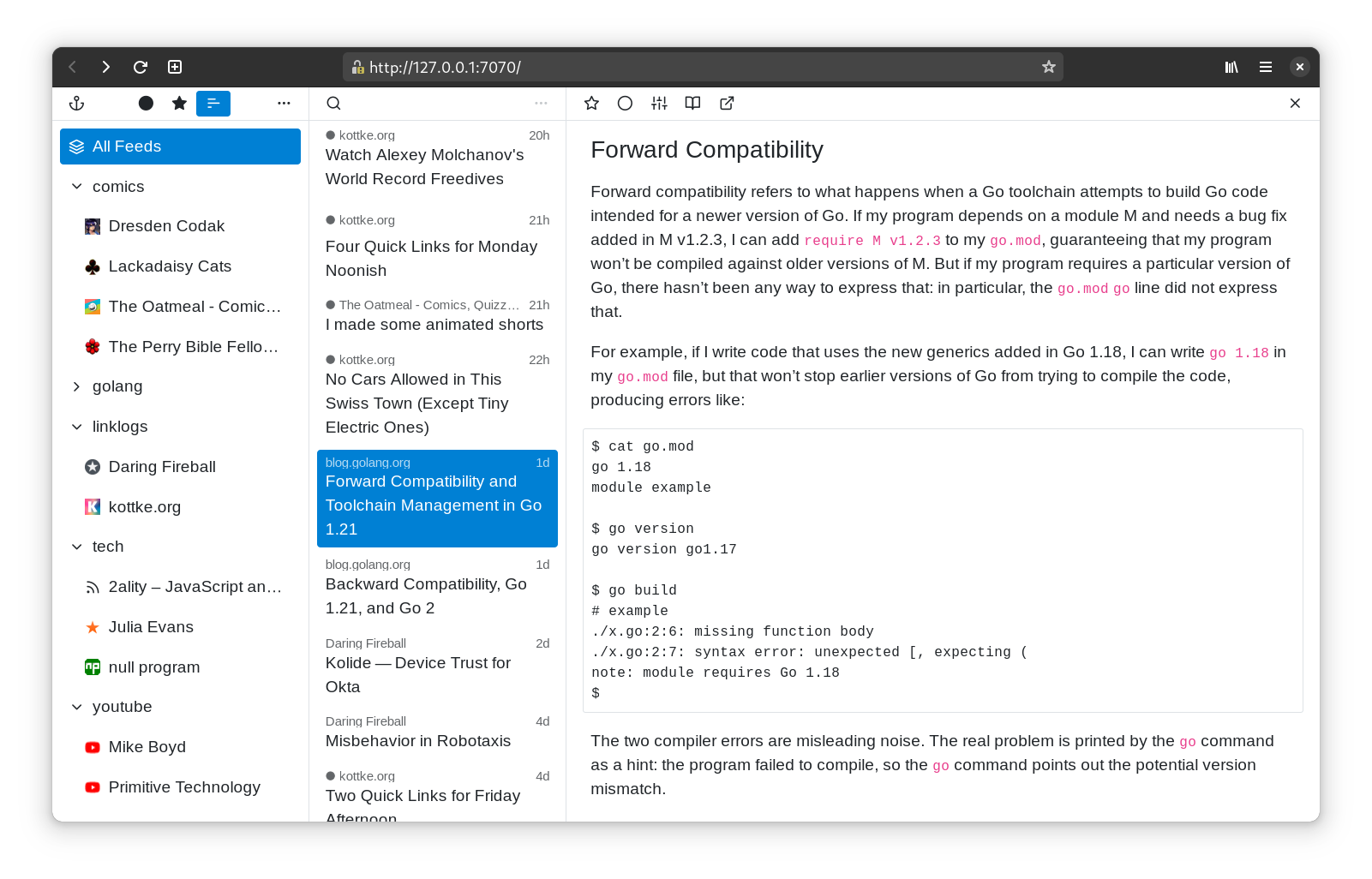
yarr (yet another rss reader) is a web-based feed aggregator which can be used both as a desktop application and a personal self-hosted server.
The app is a single binary with an embedded database (SQLite).
usage
The latest prebuilt binaries for Linux/MacOS/Windows AMD64 are available here.
macos
Download yarr-*-macos64.zip, unzip it, place yarr.app in /Applications folder, open the app, click the anchor menu bar icon, select "Open".
windows
Download yarr-*-windows64.zip, unzip it, open yarr.exe, click the anchor system tray icon, select "Open".
linux
Download yarr-*-linux64.zip, unzip it, place yarr in $HOME/.local/bin
and run the script.
For self-hosting, see yarr -h for auth, tls & server configuration flags.
For building from source code, see build.md
Fever API
Now, the Fever API is supported, see Fever API support.
credits
Feather for icons.